My Singing Monsters Karaoke Wiki
Rhythm charts, Monster voices, and a free Steam karaoke stage.
Unofficial wiki for My Singing Monsters Karaoke: how to play, import charts, monster roster, DLC packs, and Steam reviews.
- Free
- Steam download
- 8
- Launch Monsters
- 14
- Achievements
- F2P
- Plus optional DLC
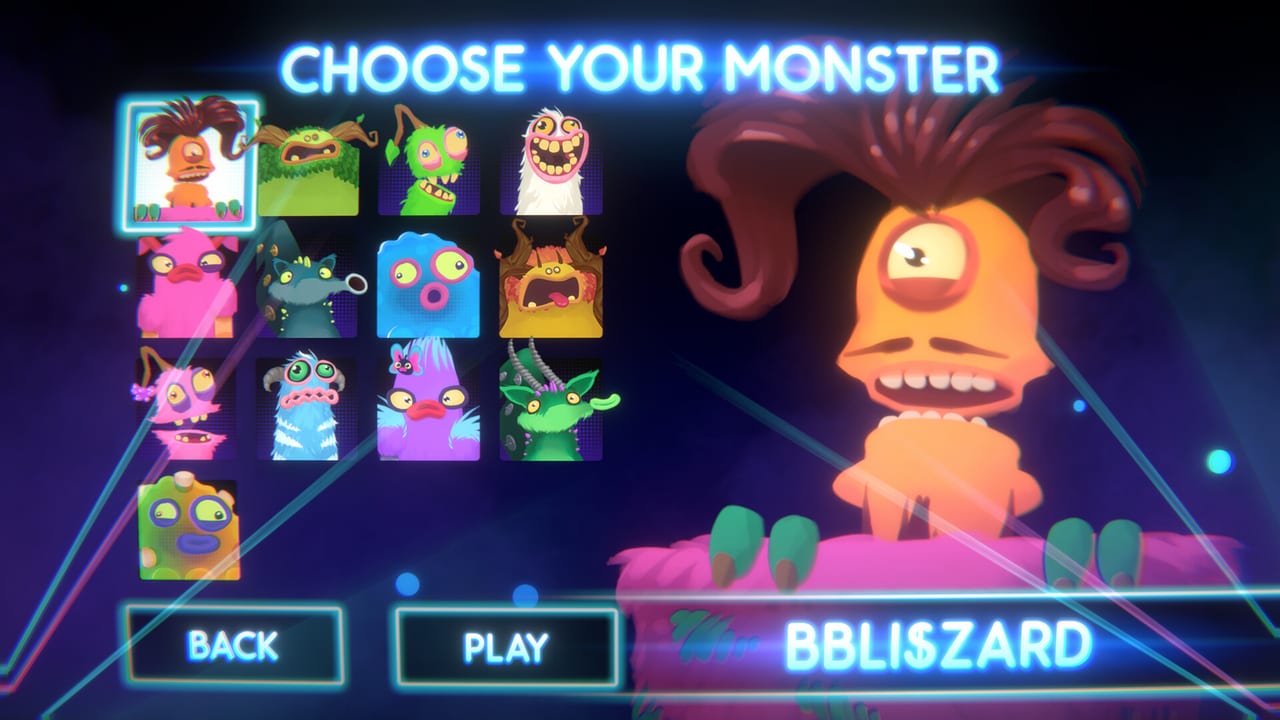
Hubs for guides, Monsters, charts, DLC, tools, and launch notes.
 Guides
 Guides Hub
Guides Hub for My Singing Monsters Karaoke: how to play, imports, Steam Deck, vs the phone game, controls, and reviews.
Read guide Monsters
 Monsters Hub
Monster roster hub for My Singing Monsters Karaoke: launch singers, BBli$zard, Rare Pack, and who to pick on stage.
Read guide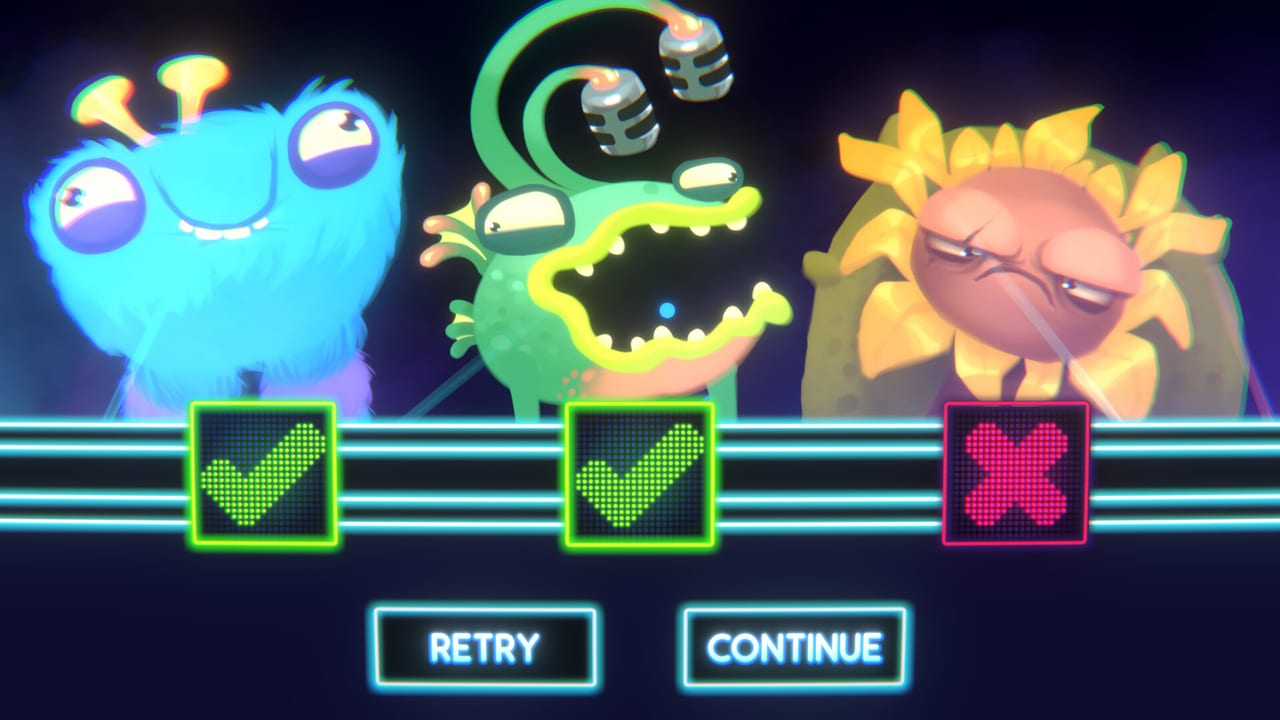 Tier List
 Tier List Hub
Community tier lists for My Singing Monsters Karaoke Monsters and songs. No official ranks; we explain fun, voice, and feel.
Read guide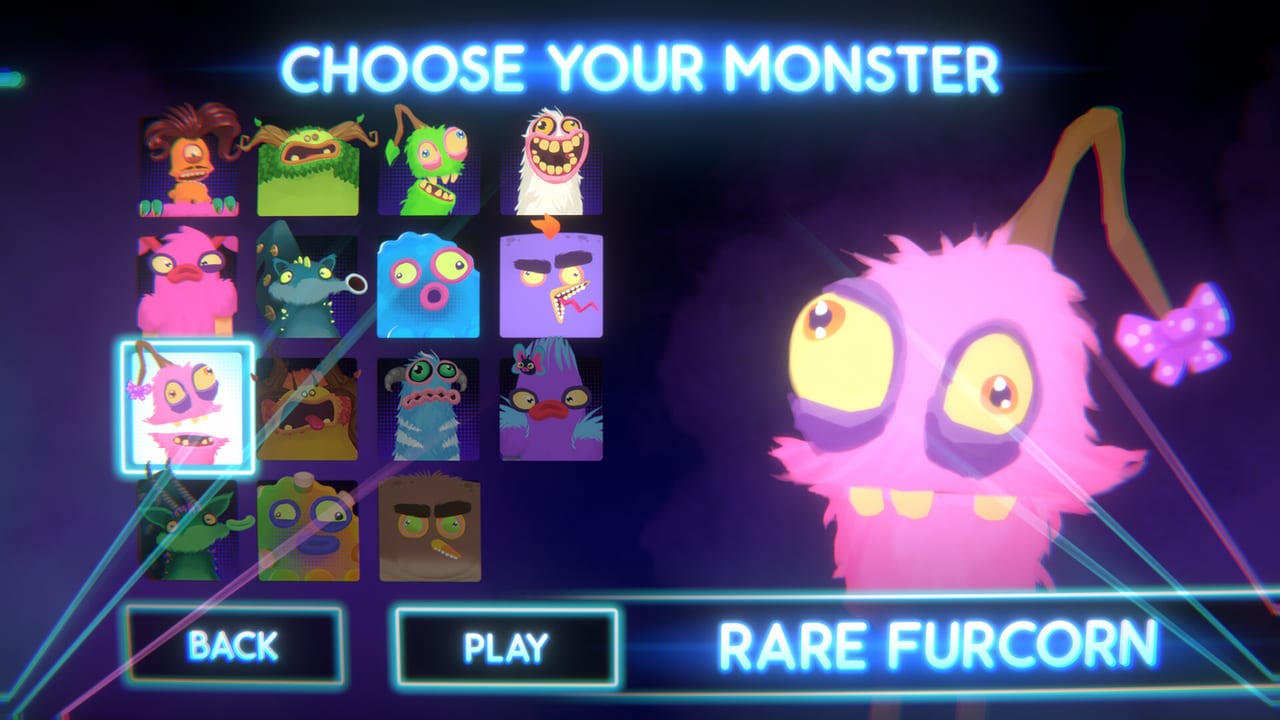 Codes
Codes Codes Hub
My Singing Monsters Karaoke has no redeem codes. Use this hub for Day One Pack, Rare Furcorn, and DLC unlocks.
Read guide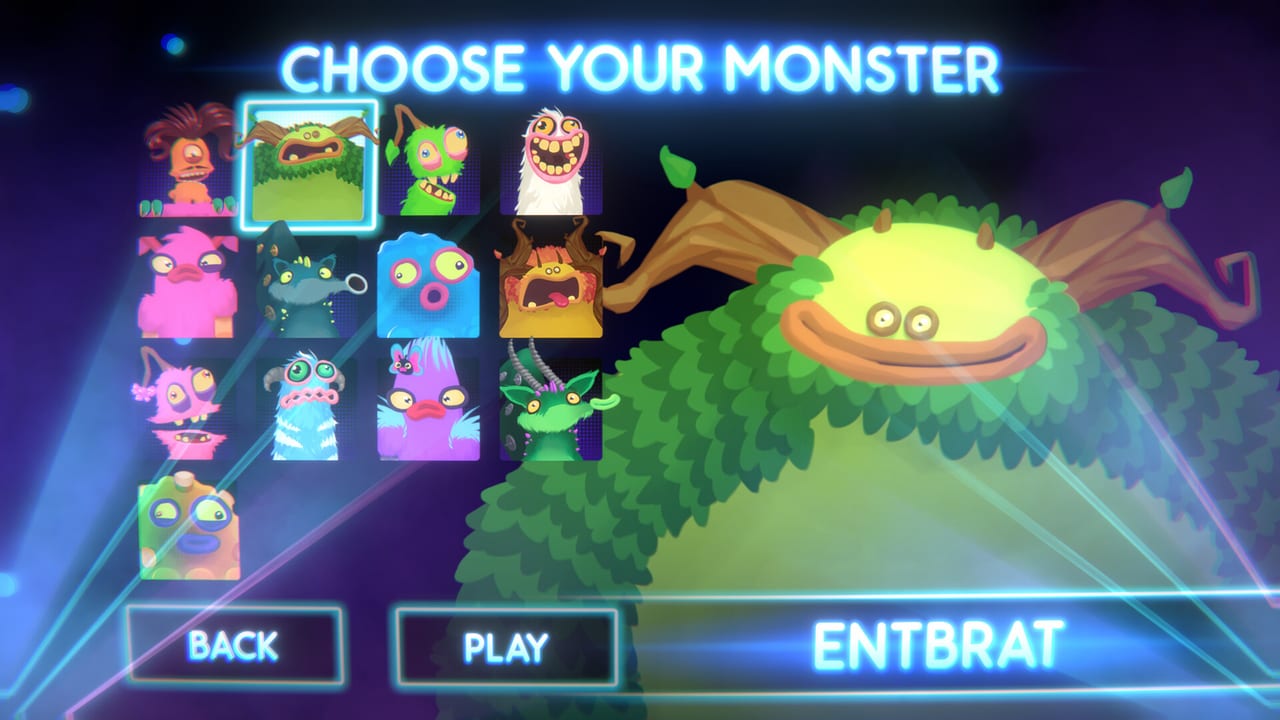 Tools
Tools Tools Hub
Practical tools for My Singing Monsters Karaoke: chart import checklist, controls reference, and Windows system requirements.
Read guide Updates Updates Hub
Updates Hub for My Singing Monsters Karaoke: August 2026 launch, DLC drops, and known issues from Steam reviews.
Read guide Links
Links Links Hub
Official My Singing Monsters Karaoke links: Steam store, Big Blue Bubble, Discord, Helpshift support, and merch shops.
Read guideOfficial Steam shots of the karaoke stage, pitch ribbon, and judges.
Start with play, imports, controls, scoring, and the launch roster.
Guides Guides Hub
Guides Hub for My Singing Monsters Karaoke: how to play, imports, Steam Deck, vs the phone game, controls, and reviews.
Read guide Codes Day One Pack and Rare Furcorn
How to get Rare Furcorn in My Singing Monsters Karaoke: claim the free Day One Pack DLC on Steam and unlock the pink singer.
Read guide Guides How to Play My Singing Monsters Karaoke
Learn how to play My Singing Monsters Karaoke: pick a Monster, follow pitch notes, and run a wacky Steam karaoke show.
Read guide Monsters Launch Monster Roster
Launch Monster list for My Singing Monsters Karaoke: Entbrat, Furcorn, PomPom, Toe Jammer, Mammott, Tweedle, BBli$zard, Sox.
Read guide Guides How to Import Custom Songs
How to import custom songs into My Singing Monsters Karaoke, including chart folders, note range limits, and missing Workshop.
Read guide Guides Steam Deck and Handheld Play
Steam Deck status for My Singing Monsters Karaoke: Unsupported, Windows-only notes, Steam Input, and why Proton is not a promise.
Read guide Guides Karaoke vs Mobile My Singing Monsters
Karaoke is not the phone My Singing Monsters game: no breeding, no island codes, no Composer, and no save transfer.
Read guide Monsters All Monsters List
Every Monster in My Singing Monsters Karaoke: launch eight, BBli$zard, Rare Pack faces, and which ones are wishlist rather than real.
Read guide Tools Frequently Asked Questions
Short answers to what players ask about My Singing Monsters Karaoke: platform, saves, songs, monsters, multi, sound, DLC, price.
Read guide Guides Controls and Custom Controllers
My Singing Monsters Karaoke controls: keyboard pitch, custom controllers, Steam Input, and Steam Deck caveats after launch.
Read guide Guides My Singing Monsters Karaoke Review
Honest My Singing Monsters Karaoke review: free Steam toy, Trombone Champ comparisons, charm, and where the mini-game is thin.
Read guide Guides Walkthrough and First Hour Guide
A first hour walkthrough of My Singing Monsters Karaoke: install, first song, star grind, which singers to unlock first, what to skip.
Read guide Guides Best Starter Monster and Staff Picks
Which Monster to pick first in My Singing Monsters Karaoke: staff picks for Pitch Perfect, comedy, and the bbno$ cameo.
Read guideDirect answers for custom songs, Rare Furcorn, and honest reviews.
All 14 achievements named
Pitch Perfect, Can't Get Enough, Elemental, The New Sound, Vintage Karaoke, Completionist, plus eight singer badges.
Read guideBest starter Monster
Comfort pick for Pitch Perfect, comedy pick for the first clip, curiosity pick for the bbno$ cameo.
Read guideImport custom songs
Chart folders, note-range mismatches, and why Steam Workshop is missing.
Read guideClaim Rare Furcorn
The free Day One Pack is the closest thing this game has to a code.
Read guideLaunch Monster roster
Entbrat, Furcorn, PomPom, Sox, and BBli$zard on one stage list.
Read guideDLC packs compared
Day One Pack versus the $1.99 Rare Pack and who each pack is for.
Read guidePatch notes and roadmap
What shipped on August 19, what changed since, what fans keep asking Steam to add.
Read guideFive steps from install to a wild karaoke encore.
- 1
Install the free Steam toy
Grab My Singing Monsters Karaoke on Windows, then skim How to Play before your first song.
- 2
Pick a Monster and a track
The launch roster and song picks help you choose a voice that you actually enjoy hearing off-key.
- 3
Learn the pitch slider
Read controls and the controls reference so you are not fighting the input during a slide.
- 4
Import charts when the setlist feels small
Use the import guide plus the chart checklist so files load without mystery failures.
- 5
Claim DLC and chase achievements
Add the Day One Pack, decide on the Rare Pack, then work the achievement list.
Wiki FAQ
Quick answers to the most common questions.
Is My Singing Monsters Karaoke a Roblox game?
No. It is a free Windows rhythm mini-game on Steam from Big Blue Bubble, released on August 19, 2026. Fan Roblox experiences exist, but they are unrelated.
Do I sing with a microphone?
No. You steer pitch and timing so the Monster performs. Misses still play; the gag is watching the singer squash and stretch.
Are there redeem codes?
Karaoke has no promo-code box. The free Day One Pack unlocks Rare Furcorn. Mobile My Singing Monsters codes do not apply here.
Is Karaoke the same as the phone My Singing Monsters game?
No. Karaoke is a separate free Steam mini-game. Mobile codes, breeding, and Composer do not transfer. Read Karaoke vs mobile if that collision brought you here.
Which languages does this wiki support?
English, French, German, and Spanish. The Steam game itself lists English interface and full audio only.
Is this wiki official?
No. It is a fan resource. Confirm DLC, patches, and store details on Steam and Big Blue Bubble channels.