My Singing Monsters Karaoke Controls and Custom Controllers
A pitch slider with extra hardware optional. Partial controller support is not a full arcade stick promise.
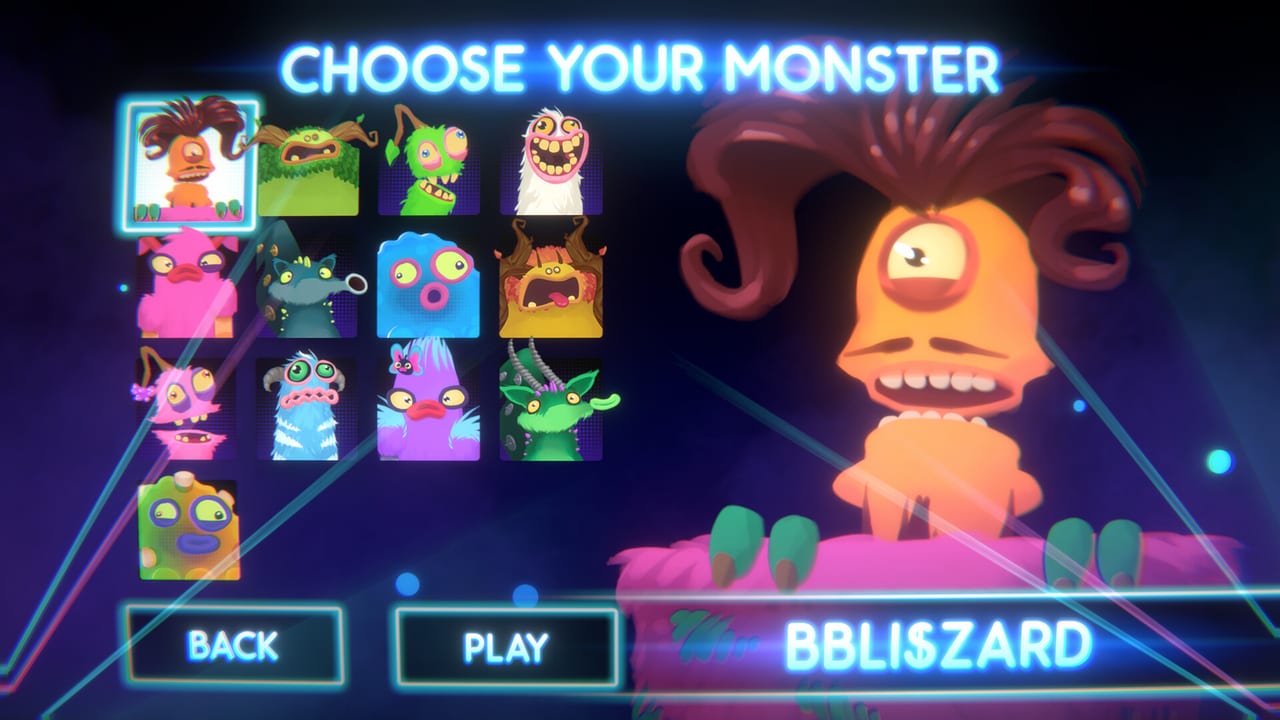
My Singing Monsters Karaoke is a pitch toy. Your hands move a singer up and down a ribbon. Everything else is cosmetics. If that ribbon feels late, sticky, or drunk, you do not have a secret hard mode. You have an input problem. This guide is the long version. Keep the controls reference open as the short table.
BBB advertised custom controllers as an extra challenge. PAX booth footage showed flight-style hardware with a lever motion that matched pitch. Steam lists Partial Controller Support on DLC pages. The base-app API snapshot we used lists Single-player, Achievements, and Family Sharing, not full controller support. Launch-week Deck players said they had to fight the mapping, and Valve marks the title Unsupported. Those facts can live together: sticks work, they are not guaranteed, and handheld is extra homework. The long handheld version is the Steam Deck guide.
Keyboard and mouse as the default stage
Most people will play on keys or a simple analog axis. You need one dimension of travel that can hold a pitch, not a six-button fighting layout. If you mash as if this were a lane-tap rhythm game, slides will look like staircases. Watch a connected note in How to Play and match the hold, not the panic tap.
Calibrate in a short official island bed from song picks, not on an imported boss chart. Official music tells you whether the client is healthy. Imports add a second variable.
Custom controllers and Steam Input
A throttle, a flight stick, or a novelty slider can make Karaoke feel like the booth toy. Bind a single analog axis to pitch. Avoid putting pitch on a digital hat that only knows up and down. Steam Input can remap that axis if the game’s own list is thin. Save a per-game profile so a racing wheel preset does not steal the next launch.
Partial Controller Support means BBB did not promise every button glyph and every gyro trick. If a pad works, great. If it does not, that is why the word partial is on the store. Do not assume a missing mapping is your GPU.
Steam Deck and handheld caveats
Deck play was mentioned in reviews because BBB ran a hardware giveaway and then shipped a mapping that felt unfinished to some players. On-screen keyboards also got complaints. Valve’s Deck widget still said Unsupported in the August 2026 snapshot we tracked. If you chase the fourteen achievements on Deck, finish one official song at the dock with a keyboard first so you know the chart is not the villain. Details live on the Steam Deck page.
Gyro can help small corrections if you already have a stable axis. It can also add noise. Turn it off before you blame scoring for a judge shrug.
When controls are not the bug
No hit flash is a presentation issue listed under known issues, not a dead keybind. No difficulty label is the same bucket. Menu sound effects that stay loud when music is quiet is a mixer complaint, not WASD. Chart notes that cannot be reached are an import range problem.
If the whole client stutters, read system requirements. This is a 2 GB toy. Capture software is a likelier villain than the recommended GT 1030 line.
Related reading
Guides Hub for the classroom. Tools Hub for the cheat sheet. Review if you want the honest take that the control fantasy is a booth gimmick wrapped around a short Steam client. Monsters Hub if you thought a different singer would change the physics; it changes the sample, not the axis.
Bind once, play two official songs, then import. That order keeps you from debugging three systems at midnight. Your Monster will still look ridiculous. That part is working as designed.
Frequently Asked Questions
Quick answers to the most common questions.
Do I need the PAX flight stick?
No. It is a novelty. Keyboard or a simple analog axis is enough for the official setlist.
Does Karaoke have full controller support?
DLC copy lists Partial Controller Support. The base-app API snapshot we used does not list a full controller category. Some pads work through Steam Input; do not expect arcade-perfect glyphs.
Why does Steam Deck feel worse?
Valve marks it Unsupported. Launch reviews mentioned mapping and keyboard pain. Read the Steam Deck guide and test at the dock with a keyboard first.
Can I change menu sound volume?
Players reported music and character volume sliders without a usable menu SFX slider. That is a known complaint, not a hidden settings tab.