My Singing Monsters Karaoke Tools Hub
Checklists and specs so you spend time on stage, not in a broken folder.
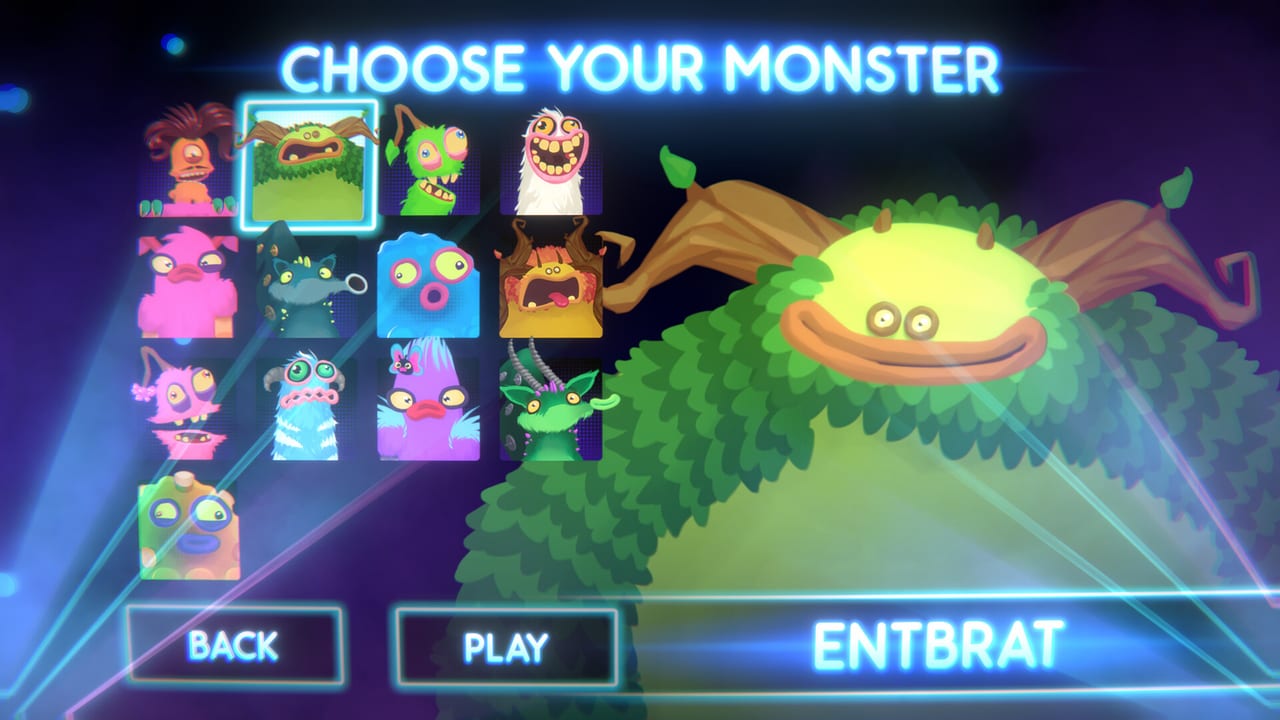
The Tools Hub is the practical drawer for My Singing Monsters Karaoke. Tutorials explain why. These pages are the clipboard you keep open while Steam is installing, while a chart zip is unpacking, or while a laptop is wheezing. The four tools we ship today are the chart import checklist, the controls reference, system requirements, and the all-in-one FAQ. The FAQ is the long kitchen-sink list; the child guides are the deep dives on each topic.
None of them are fake calculators. Steam reviews made it obvious that imports, input, a short spec sheet, and a thousand unanswered questions are the real friction. We would rather give you a list you can tick than a widget that pretends to know an unpublished scoring formula.
Chart import checklist
Custom songs are the advertised infinite setlist. They are also where players lose an evening. Files meant for other pitch toys may clip, skip, or load with the wrong audio. The checklist walks folder shape, audio next to the chart, and the note-range mismatch Steam reviewers described. Use it with the prose in import custom songs. If a pack still fails, that is data, not a skill issue.
Karaoke has no Steam Workshop. There is no one-click subscribe button. Your tool is Explorer plus the in-game import entry. That is why a checklist beats a workshop browser clone.
Controls reference
The controls guide tells the story: keyboard, custom sticks, Partial Controller Support, Deck complaints. The reference page is the short table you glance at mid-song. If the pitch lane feels drunk, check that page before you delete a chart. Input first, files second.
PAX-era footage showed flight-style hardware. You do not need that stick. You do need a consistent analog or key mapping so slides match the green connectors community videos highlighted.
System requirements
The Steam spec is modest: Windows 10 minimum, Windows 11 recommended, 4 GB RAM, DirectX 11, 2 GB disk, GTX 650-class minimum and GT 1030-class recommended. If the toy still chugs, it is probably capture software or a handheld overlay, not a missing RTX card. The requirements page reprints the official list so you are not hunting the store while a friend waits.
How tools sit next to the rest of the wiki
Guides Hub remains the classroom. How to Play is still the first lesson. Codes Hub will not grow a generator. Updates and known issues explain why these tools exist: missing hit flashes and import drama are launch-week reality.
If we later add a song tracker, it will live here as a manual checklist, not as a login wall. Karaoke is a single-player Steam toy. Your library already tracks DLC. We do not need an account system to tell you Rare Furcorn is claimed.
What we will not build
No auto-downloader for other games’ chart databases. No TootTally overlay clone. Steam reviewers already noted BBB had to pull a logo used without permission. This wiki will not impersonate that stack. We will describe how to import files you obtained yourself and how to notice a bad range.
Use the three child pages as a pre-flight. Then go back to singing poorly on purpose. That is the entire product.
Frequently Asked Questions
Quick answers to the most common questions.
Is there a Workshop browser tool?
No. Karaoke has no Steam Workshop. Use the import checklist and the import guide with local files.
Do you have a score calculator?
No. Steam players already said scoring is opaque. We will not invent numbers BBB did not publish.
Which tool should I open first?
System requirements if you have not installed yet. Controls reference if input feels wrong. Chart checklist if a custom song will not play.
Are these tools official?
No. They reprint Steam specs and community failure modes so you can debug faster.