My Singing Monsters Karaoke Chart Import Checklist
Tick these before you blame your hands. Most failures are folders and range, not rhythm.
This checklist is the clipboard version of import custom songs. My Singing Monsters Karaoke lets you load fan charts. It does not give you Steam Workshop. Work top to bottom. If you fail a line, stop and fix that line before you download another zip.
Before you download anything
Finish one official track using How to Play. If official music already feels impossible, you have a controls problem. Confirm system requirements only if the client itself is unstable.
Decide that you are allowed to use the pack. Files charted for another pitch game may be technically similar and socially unwelcome. This wiki will not fetch them for you.
Folder health
Unzip the pack. Look for a song folder that contains both timing data and audio, not a screenshot and a readme. Do not point Karaoke at the Downloads directory that holds twenty zips. Point it at the inner song folder the importer expects. If the UI shows nothing, you selected too high in the tree.
Keep names boring. Extreme unicode and emoji folders are how importers get shy. This site does not use emoji for a reason; your filesystem can follow that lead.
Audio and chart pair
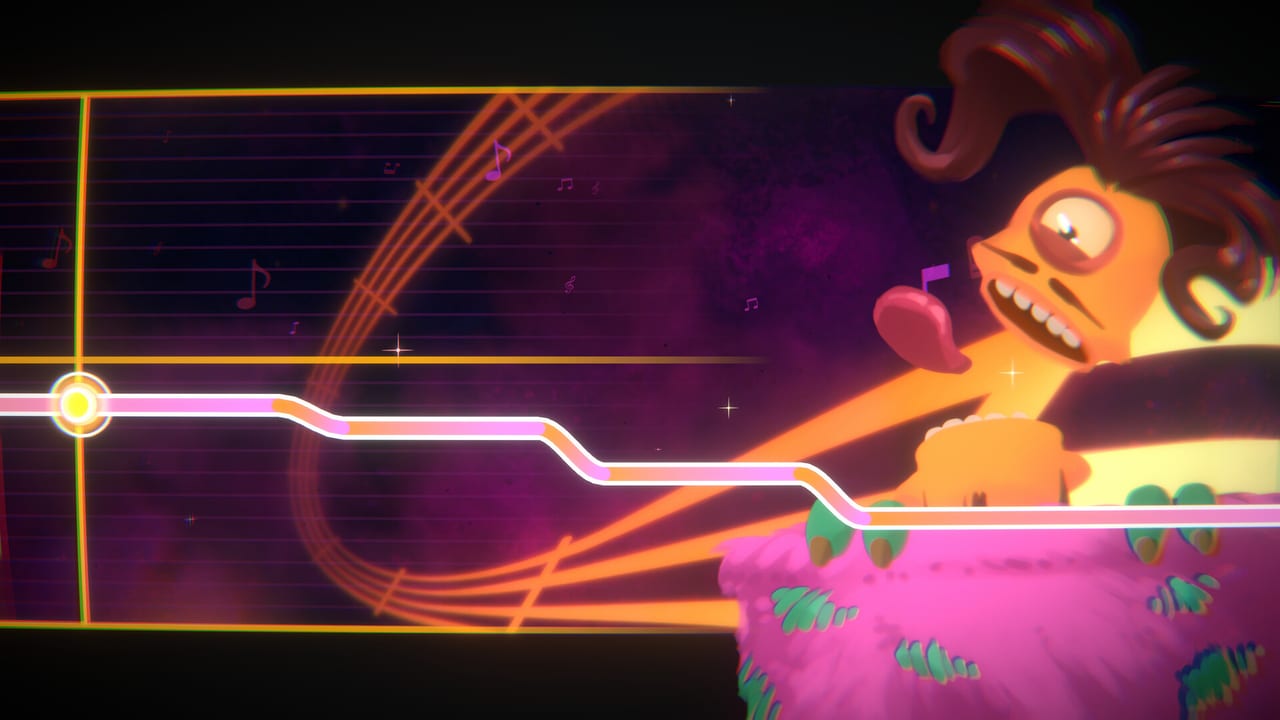
If the ribbon moves in silence, audio is missing or named wrong. If audio plays with no ribbon, you imported a sound file without a chart. If both play but the line slams into a ceiling, you likely have the note-range mismatch Steam reviewers described. That last case is not a skill issue. Retire the pack or accept that some notes cannot be hit.
In-game checks
Play thirty seconds with a familiar singer from the launch roster. If the Monster is late and the audio is early, that is offset, not range. If your stick cannot follow even a slow official slide, leave this checklist and open the controls reference.
After a success
Keep a “works” folder and a “broken” folder. Do not mix them. Karaoke has no Workshop subscribe button to rebuild your library. Your memory is the library.
If BBB ever ships Workshop, Updates Hub will say so and this checklist will shrink. Until then, local files are the whole tool.
Related pages
Tools Hub, review for why imports exist (thin official runtime), known issues for the TootTally logo incident and missing Workshop. Do not paste other games’ branding into your own folders to “make it work.” BBB already had to remove a logo.
If a pack includes multiple difficulties, import the easiest file first even if you are proud. Karaoke does not show stars. A “hard” file from another client may simply be unhittable here. One working easy file teaches you the importer. Twenty broken hard files teach you nothing except folder fatigue.
Antivirus can quarantine ogg files that look like random blobs. If a song vanishes after a scan, check quarantine before you re-download from a sketchier mirror. Prefer the same source you already trust for other rhythm games, and still expect range issues.
Write the date you imported a pack on a text file next to it. When BBB patches the importer, you will know which zips predate the patch. That note is the closest thing this toy has to a versioned workshop.
Tick the list. Then sing badly with permission.
Frequently Asked Questions
Quick answers to the most common questions.
Why is my custom song silent?
Usually the audio file is not sitting next to the chart, or you selected the wrong parent folder.
Why are some notes unreachable?
Charts from other pitch games can exceed Karaoke's range. That is a file mismatch, not a hidden hard mode.
Can I subscribe on Workshop?
Not at launch. Local import only.
Should I import before learning the game?
No. Clear one official song first so you can tell a bad pack from a bad first attempt.